
One memory. More than one assistant.
Memrain speaks the Model Context Protocol. A connected client can search your knowledge and use the write tools its credential permits, without moving your work into another chat application.
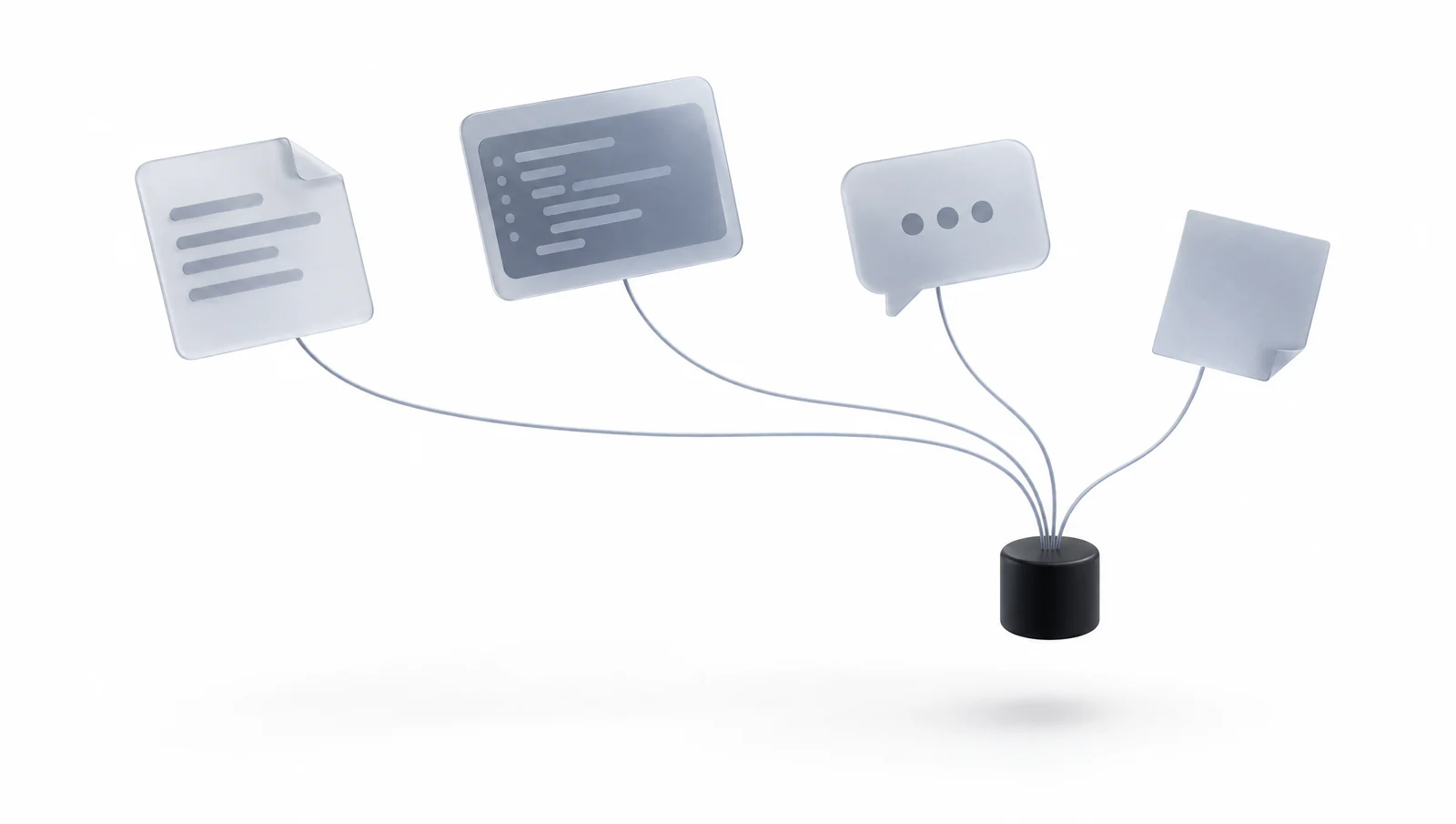
Illustrative example
Can Claude and Codex refer to the same decision record?
Connect both clients to the same Memrain endpoint and grant each access to the source containing the decision.
Illustrative scenario, not a live product result.Use the client you already work in.
Documented setup guides cover Claude, ChatGPT and Codex, including personal, coding and organization setups. They connect to the same MCP address, with authentication configured for the particular client. Account requirements and connector setup differ between applications. MCP compatibility provides a common interface; it should not be presented as identical onboarding or feature availability in every product.
Retrieve, inspect and maintain knowledge.
The tool surface covers search, page reads and writes, facts, entities, timelines, code navigation, skills and diagnostics. A client discovers only the operations its credential can call. Tool descriptions and annotations help the client understand what reads or changes data. Important operations still depend on the client choosing the right tool, supplying valid arguments and checking the returned result.
Keep the assistant responsible for its actions.
Memrain normally returns evidence and lets the client compose the answer. Retrieved content remains data, not authorization to act. The opt-in think tool can produce a cited answer, and optional research jobs have a separate bounded scope. Neither turns every ordinary search into an autonomous workflow. Start with a real question and verify the page behind the response.
Keep the context. Move the work forward.
Connect your knowledge to the AI you already use. Find your starting point and make the next conversation count.