
Bring the right information into one memory.
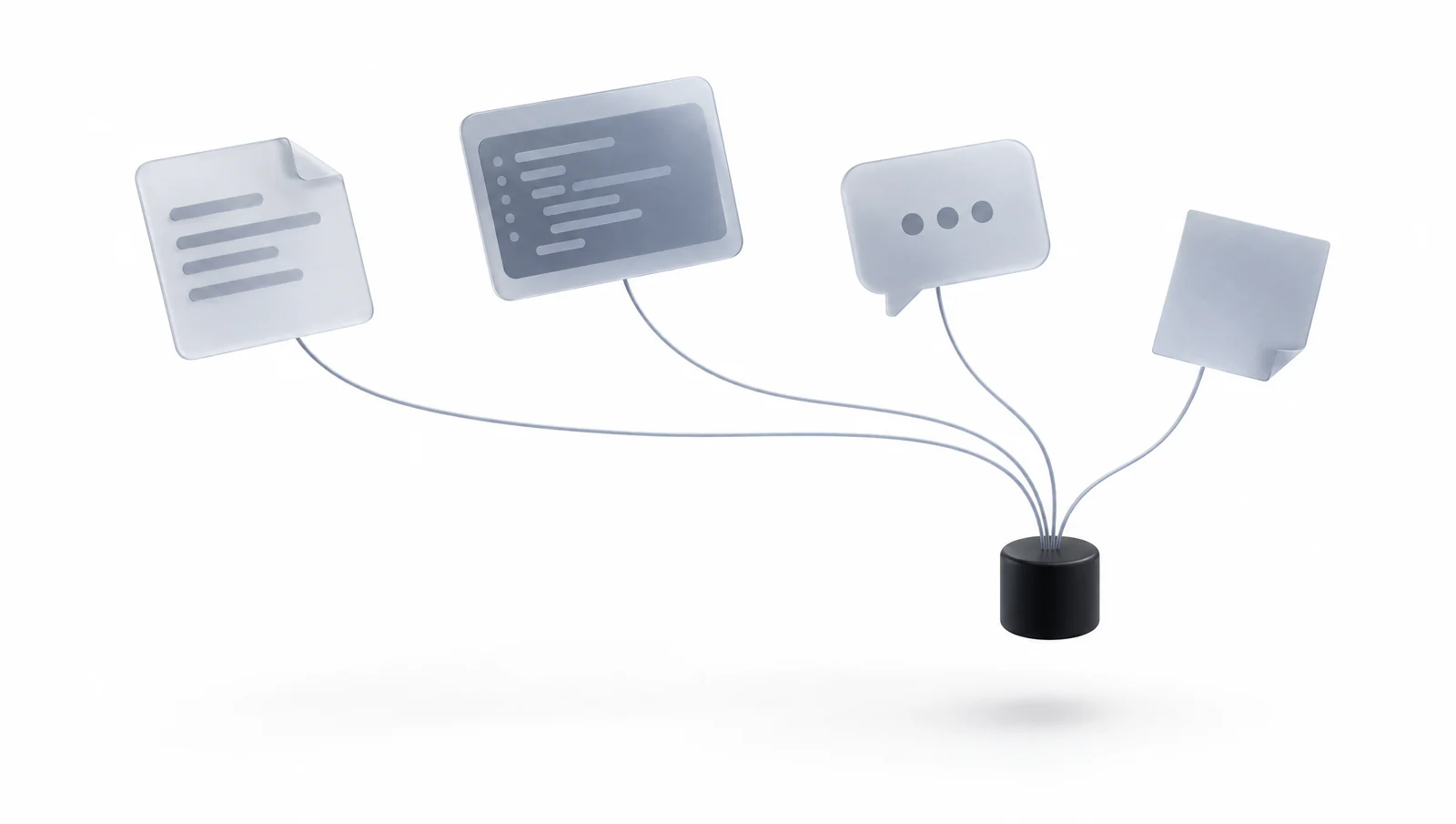
Useful context can start in documents, messages, conversations or code. Memrain gives that material a persistent home, while your connected agent and chosen import tools provide the path from each source.
Illustrative workflow
Our project decisions are split between documents, messages and repository discussions. How can I retrieve them together?
An authorized agent reads the selected source material and saves referenced pages in Memrain. Retrieval then brings back accessible context; repeat updates depend on the import or connector you have configured.
Illustrative scenario, not a live product result.Start with the systems you use
A source workflow begins with access to the material. Systems such as Gmail, Outlook, Slack, Drive, Notion or GitHub can be considered where your agent has an appropriate connector, API or export path. Each source has its own permissions and available operations.
Keep context attached to its origin
The agent selects relevant content, preserves dates and references, and writes pages through its permitted Memrain tools. Source-specific extraction and transformation happen in the connected tooling. A recurring refresh needs an explicitly configured process and a decision about updates, duplicates and removed content.
- Selected content with a defined scope
- Readable pages and source references
- An explicit import or refresh process
Retrieve across the knowledge you kept
Your assistant can search the resulting memory alongside other saved context. Its grant determines which sources it can read. Check representative questions after indexing, and treat a failed or partial source import as a coverage gap.
Keep the context. Move the work forward.
Connect your knowledge to the AI you already use. Find your starting point and make the next conversation count.